


Needforslots App
The Needforslots app gives you a quick and simple way to use our casino on any device. Instead of downloading a heavy app or searching through app stores, you install a light progressive web app (PWA) directly from your browser. With one tap, you can open our platform, explore more than 6,000 games, and manage your account without additional downloads. The app automatically adjusts to different screen sizes, from mobile phones to larger displays.



Needforslots App for Android
On Android, the Need For Slots PWA works almost the same as a native app, but without long downloads or manual updates. It opens in its own window, supports full‑screen mode, and gives smooth navigation through all casino sections. You don’t need any APK files — the PWA fully replaces them.
Install the PWA
To install Needforslots on Android:
- Open our official website in Chrome.
- Tap the menu icon.
- Choose Add to Home Screen.
- Tap Add.
- Move the shortcut wherever you like.
Once added, the icon works like a regular app: tap it and enter the casino instantly. For example, many players use this shortcut to open game pages like Gates of Olympus or Sweet Bonanza in seconds.
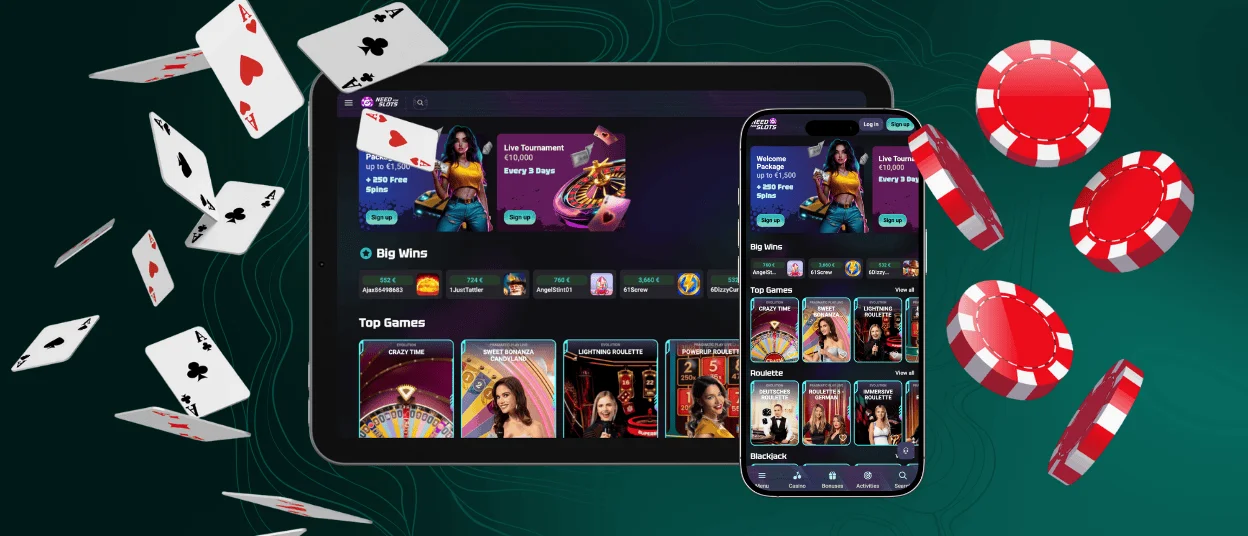
Mobile Application for iOS
On iPhones and iPads, the PWA also works smoothly. It loads quickly, responds well to touch gestures, and opens in a clean window without Safari bars. After installation, it looks like any other app on your home screen.
Because you install it through the browser, it’s available to all users right away and doesn’t depend on App Store approvals.
Set Up the iOS App
To add Needforslots to your iPhone or iPad:
- Open the app setup page on our site in Safari.
- Tap the Share icon.
- Select Add to Home Screen.
- Tap Add.
The icon appears immediately and gives you one‑tap access to games, bonuses, and account tools.
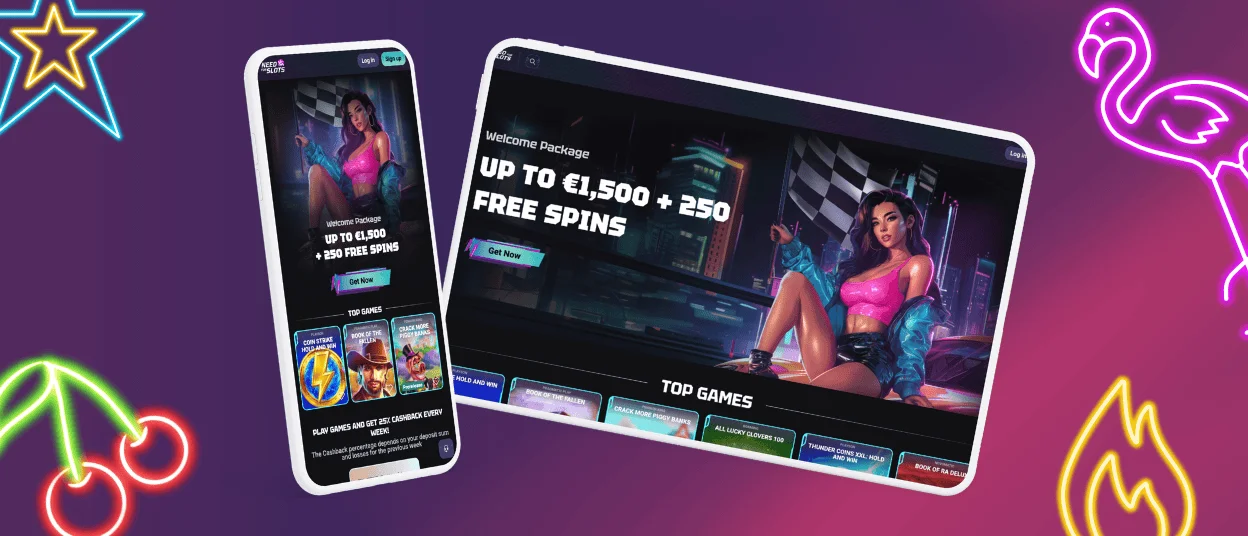
Play Needforslots on Mac or Windows
You can also install the Needforslots PWA on a computer. Many players prefer a bigger screen for games like Book of Dead or The Dog House. Desktop installation creates a separate window that hides browser tabs and keeps the interface clean.
To set it up, open our installation page in Chrome and use the browser’s built‑in option to add the app. Your computer will add an app‑style shortcut to your desktop or apps folder. Launching it opens Need For Slots in a focused window without browser distractions.
This setup is helpful if you keep several tools on your desktop and want the casino accessible with a single click.
Benefits and Features of the Needforslots App
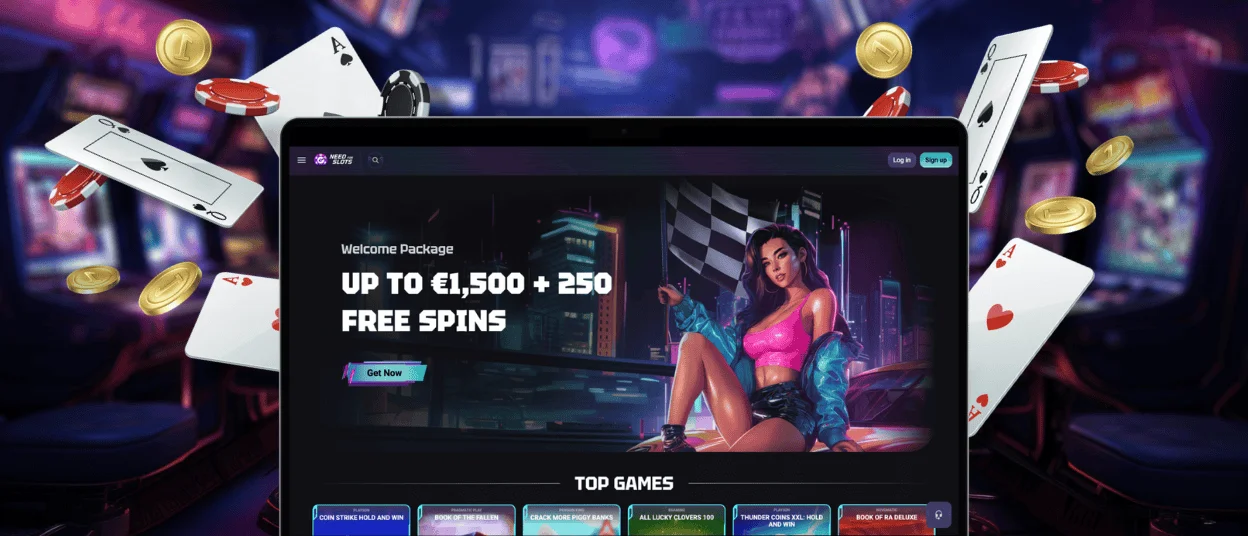
The Needforslots app uses PWA technology to keep the platform lightweight and responsive. It loads the casino interface directly from your browser and saves the parts you use most often, so returning to your favorite games feels instant. Because it works without App Store rules, you always get the newest version the moment it’s released.
Below is a clear overview of the main features:
| Feature | Details |
| Installation Method | Quick browser setup without app stores |
| Instant Access | Open the casino with one tap on mobile or desktop |
| Updates | Automatic; changes appear right away |
| Performance Optimization | Fast loading and smooth gameplay |
| Storage Usage | Very low; no native files or APKs needed |
| Device Flexibility | Works on Android, iOS, Windows, and Mac |
| Security | Encrypted connections and protected login |
| User Experience | App‑like interface in a simple full‑screen window |
| Convenience | Easy access to games like Big Bass Bonanza from any device |
| Accessibility | No regional store limits |
Choosing the Need For Slots app gives you a practical edge: faster access, fewer steps, and smoother play. With one tap, you open the casino in a clean window without browser clutter. Updates apply automatically, so new promotions or game releases appear the moment they go live. Many players use the app because it removes delays—no downloads, no manual updates, no storage issues—just quick entry into the games they return to every day.
FAQ
How does the Needforslots app differ from the desktop version?
The app gives you the same games, bonuses, and tools as the desktop site, but it opens in a lighter, more mobile‑friendly format. It loads faster thanks to cached resources and lets you return with one tap from your home screen.
Can I use the Need For Slots app without creating an account?
You can look through game lists and general information without an account. To play, claim bonuses, or manage your wallet, you need to sign in. This keeps your progress synced across devices.
Why does the app behave differently from traditional mobile apps?
Because it’s a PWA, it installs through your browser but works like a standalone app. This approach eliminates heavy downloads, keeps storage low, and automatically updates everything.
Can I install the Needforslots app on multiple devices?
Yes. Just repeat the installation steps on each device. Once you log in, your balance and game history stay the same everywhere.
Is the Needforslots app secure?
Yes. All data is encrypted, and you avoid risks related to third‑party APK files. Your transactions and account info stay protected at all times.


